Remote work has transformed from a rare perk into a workplace standard, bringing unprecedented flexibility and freedom. However, this shift has also introduced new vulnerabilities that can put sensitive business information at risk.
When you're working from home, your personal devices and home network become potential entry points for cyber threats. Understanding how to protect your data isn't just about following company protocols—it's about safeguarding your career and your employer's reputation.
The good news is that securing your remote workspace doesn't require a degree in cybersecurity. With the right tools and habits, you can create a defense system that keeps hackers at bay and confidential information locked down.
From password management to video conferencing security, this guide covers the essential strategies every remote worker needs to know. Let's dive into the practical steps that will help you work safely from anywhere.
Regardless of personal opinions, remote work is here to stay and will continue to remain the preferred choice of many people from all over the world.
And in the age of expanding digital footprints, when companies carry out most of their tasks online, robust cybersecurity has become an absolute must.
Working from home and using your own devices has the potential to increase the likelihood of data breaches, as security measures might be less stringent. That doesn’t mean there are no ways to protect the integrity of business information when working from home; you’ll just have to find and rely on the solutions that work.
Strong passwords
Source: Depositphotos.
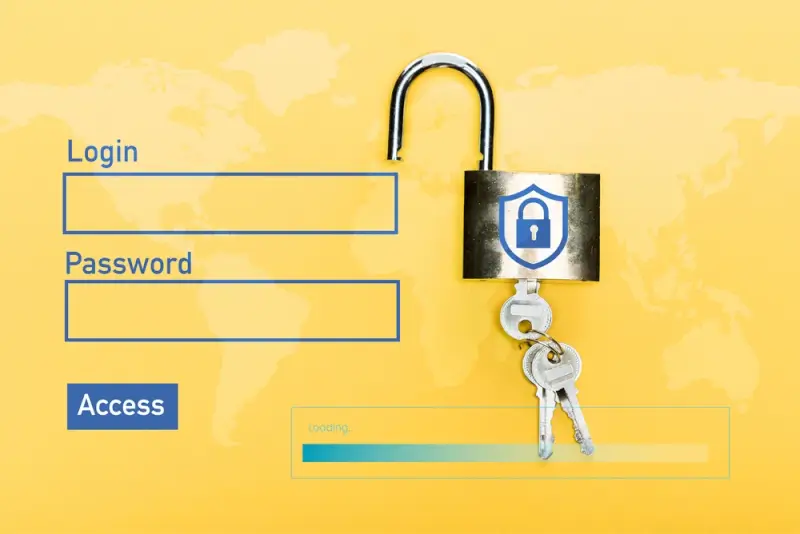
The first line of defence when it comes to cybersecurity is strong passwords.
The best ones contain at least twelve characters, including uppercase and lowercase letters, numbers, and symbols, all arranged in a random order so that the passwords can’t be cracked.
However, since a single password is so complex, you’ll need a strong and reliable business password manager that can keep all of them safe.
These tools can help you create passwords, share logins in a secure and professional manner, and gain perfect control over every single one of your accounts.
Their setup is simple enough; they allow you to have a clear view of the activity due to the logs and detailed reports, and you benefit from the personalized policies as well.
A good password manager will allow you to access the data safely and securely, regardless of your location, providing multi-platform and online support.
This is a fundamental feature when working from home. You can also save time and decrease the possibility of errors with the help of autofill, which works not just with the logins, but with the payment info as well.
The right security software
Source: Unsplash.
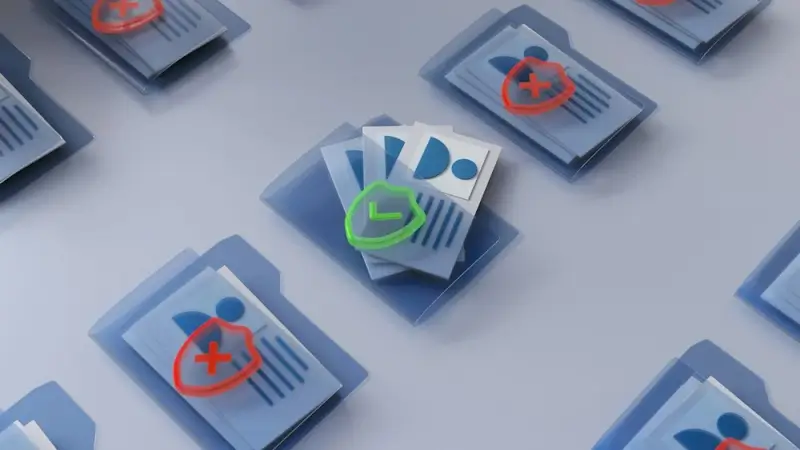
The best way to guarantee things remain secure when working from home is to invest in the right antivirus solutions.
Having a separate computer and maybe even a separate Wi-Fi network that you always use for work can be incredibly efficient, but in the majority of cases, that is simply not realistic.
Ideally, the security software you choose will be approved by your business so that everybody follows the same protocols. And while the costs can be quite elevated, the ones you have to deal with in the case of cybercrime or a data breach are much higher.
As hackers continue to come up with methods that are increasingly sophisticated and difficult to figure out, the damage and subsequent costs will only increase.
Attacks such as spyware, malware, phishing, DDoS, and ransomware are the ones most likely to target companies. Antivirus can provide security against several different threats, including trojans, email scams, and zero-day attacks (which exploit security issues before they’re patched).
Centralized storage solutions
Source: Depositphotos.
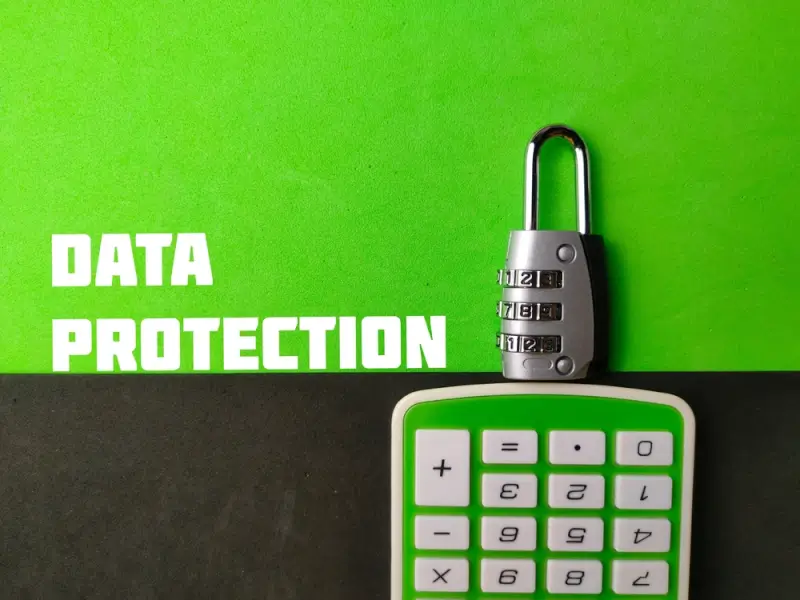
If you rely on server storage and cloud solutions at the office, you need to continue doing so when you work from home.
Many employees are not well-trained in working with storage services themselves, so it is the responsibility of the companies to provide adequate instruction or resources so that they can become educated on the topic.
Storing files locally can be a big issue in the long term, especially in the case of a breach. Having a centralized system at your disposal is actually a fundamental part of a sound recovery strategy, something every single business should have, irrespective of its size and the niche in which it operates.
There are many things that could happen to cause the documents to become compromised, but having backup can alleviate your worries. The method ensures that essential documents are safer as well, as they’re protected by the firewall attached to the tools.
Be careful with video conferencing
Source: Unsplash.
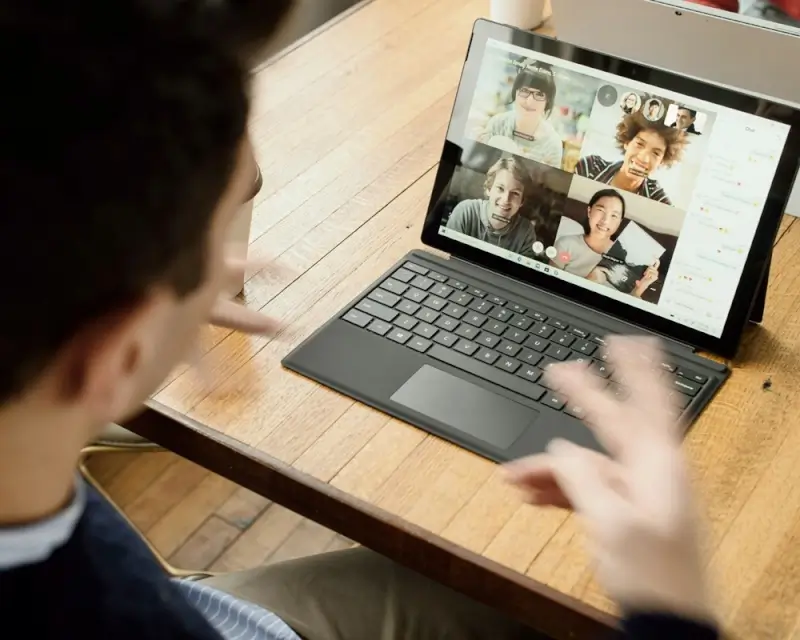
Remote work can be a little lonely as you don’t get to talk to your co-workers face-to-face. It can also be challenging when it comes to communicating for work tasks, as there can be delays between when an email or message is seen and responded to.
Videoconferencing software has been a godsent in this case, but it has some cybersecurity drawbacks as well.
Zoom bombing attacks are the most well-documented concern, referring to cyberattacks taking place during video calls where unauthorized parties gain access and enter the call without getting the host’s permission.
Similar incidents have occurred on platforms that offer the same services, so you need to be careful regardless of which app you use.
Whether video conferences are invaded or quietly monitored from the background, sensitive information could end up being leaked, and the effects on the team can be traumatizing.
To minimize the risk of something like this taking place, make sure the meetings are private and look into the security requirements before selecting a vendor.
End-to-end encryption is very important, so check to make sure that you’ll benefit from this feature with the platform you utilize.
The golden rule of making sure that the software is up to date at all times and remembering to install security patches as they are released, works for video conferences as well.
Conclusion
Source: Unsplash.
Working from home carries many advantages and benefits, but it also brings a unique set of risks that you need to be aware of.
Having a comprehensive view of what could happen and knowing which security measures to integrate can help significantly.
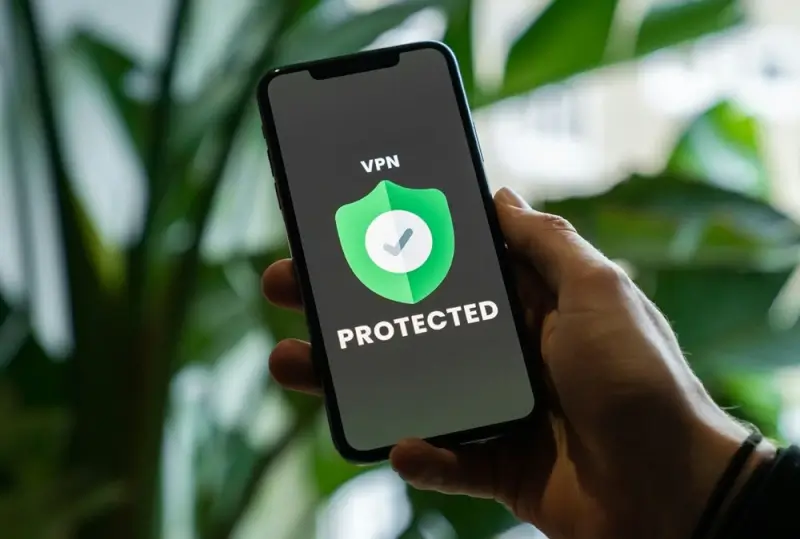
Depending on your requirements, you might also want to integrate technologies such as VPN, secure your home Wi-Fi with a stronger passcode, enable two-factor authentication, and avoid sharing your screen during video calls.
Remember that protecting your device’s security is of paramount importance for the entire company, so don’t take it lightly.
Disclaimer:
This post may contain affiliate links. I receive a small commission at no cost to you when you make a purchase using my link.